How AI motion transfer works
AI motion transfer reads the movement in a short video you upload, frame by frame, and gives it to the character in an image you upload. The pose, the timing and the camera path come from your clip; the character, the outfit and usually the setting come from your image. A dancer’s routine, a sprint across a rooftop or a wave to the camera can be performed by a cartoon mascot, a game character or any original figure you have the rights to.
The people in your source clip never appear in the result. AI motion transfer is not a face swap: it animates your image rather than editing your footage.
Four AI motion transfer models
Each model has a different balance of cost and fidelity. The studio lists them with a credit price for five seconds.
Kling 2.6 Standard Motion Control is the default: reliable full-body motion for 105 credits per five seconds. Kling 3.0 Standard Motion Control is the tested quality option for 189 credits, when hands, fast turns or camera moves matter. DreamActor v2 from ByteDance also follows facial expression and head movement for 75 credits; it needs a JPG or PNG under 4.7 MB and ignores the text description. One-to-All 1.3B is the lowest-cost draft at 480p for 45 credits.
Scene presets for motion transfer
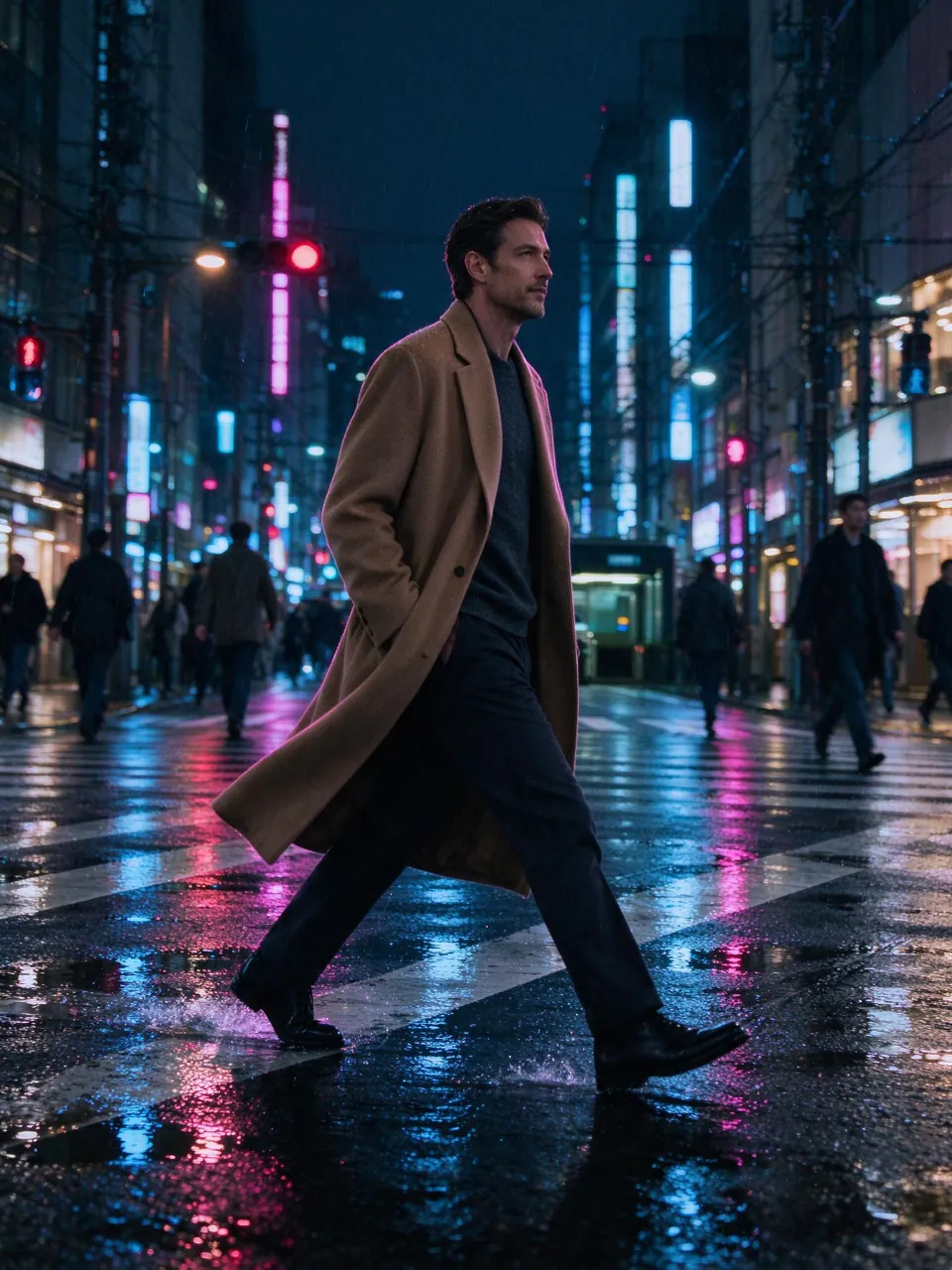
Eight presets set the scene around your character: keep my setting, neon city, soft studio, concert stage, beach sunset, snowy street, rooftop at night, fantasy forest. Choose one in the studio and edit the wording if you want a different place or light.
Getting a clean AI motion transfer
Match the framing of the clip and the image. A full-body performance needs a full-body character image; a waist-up gesture works best with a waist-up portrait. Keep one person in the clip, avoid hands hiding the face, and choose a continuous shot without cuts. Bright, even light and a plain background in the image help the model keep the character’s details.
Fast spins, crowds and tiny subjects can be rejected by the model or come out inconsistent. When a job fails, its credits return automatically.
Where AI motion transfer is useful
Creators use it to put a mascot into a trending dance, to preview choreography on a character before an animation is drawn, to animate game and comic characters, and to turn one performance into several variations. Add a restyle step afterwards to redraw the take as anime, claymation or a neon night.
Motion transfer compared with filming or animating
Filming a new performer means casting, a location and a shoot day. Keyframe animation means hours of work for each second. Motion capture needs suits or multi-camera rigs. AI motion transfer reuses a performance you already have: one clip and one image give you a new take in minutes, at a cost you see before you start. It is best for short, single-character moments; long scenes with several people or exact lip sync still need traditional tools.
It also works well as a planning tool. Directors and choreographers can see a routine on the intended character before a shoot, and small teams can test an idea on several characters in an afternoon instead of commissioning each version separately.
Common mistakes and how to fix them
Most failed or weak takes come from a mismatch between the clip and the image: a seated portrait for a full-body dance, a character facing sideways for a clip shot head-on, or an image with several people in it. Very dark footage, motion blur and a moving crowd behind the performer also confuse the model. Fix the input first, then try a higher-quality model if you still need more detail.