What AI video restyle does
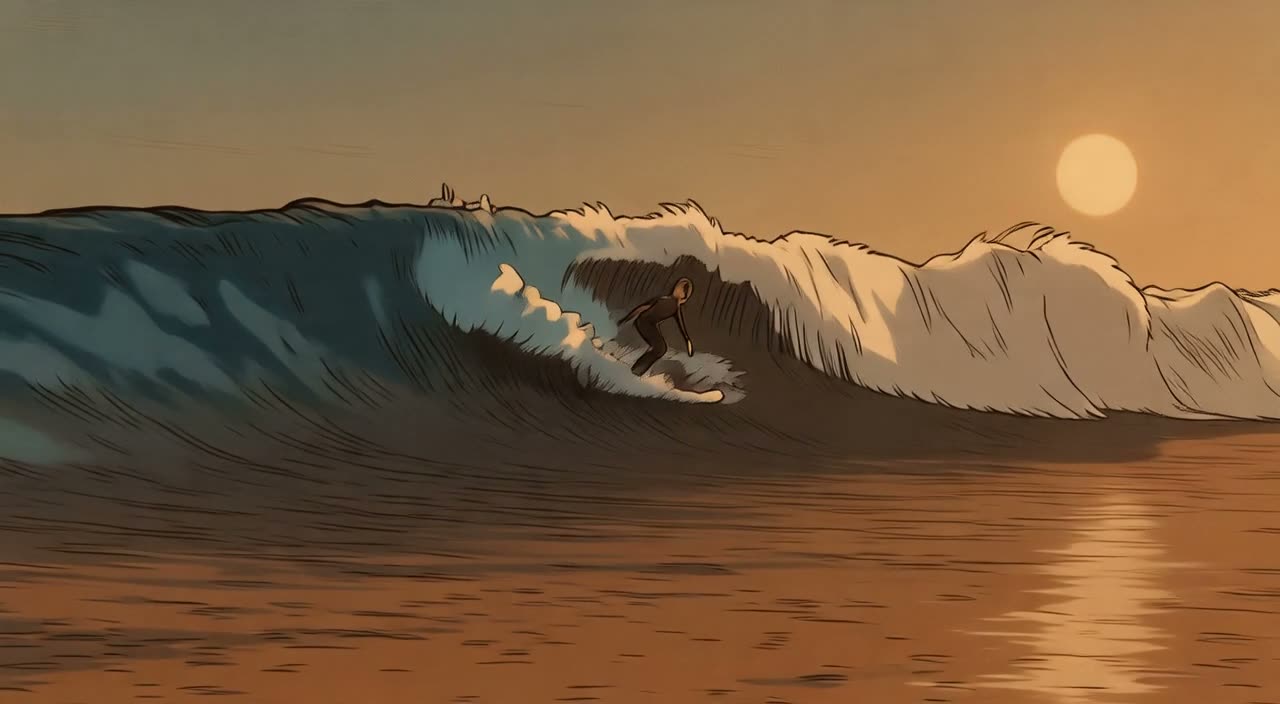
AI video restyle redraws every frame of a clip you upload in a new visual style, while the motion, timing and camera path stay the same. A surf session becomes hand-drawn anime, a street walk becomes claymation, and a sunny afternoon turns into a rainy neon night. Genjutsu Video runs restyle on the Lucy Restyle model from Decart through fal.ai, and the studio shows the exact credit cost before anything is generated.
Restyle is different from motion transfer. Motion transfer takes the movement from your video and gives it to a character in an image you upload. Restyle keeps your whole video, the people and places in it included, and changes only how it looks. Nobody is swapped or replaced: the people in the clip stay themselves, drawn in the new style.
Sixteen AI video restyle presets
Every preset is a ready-made description you can use as it is or edit before you generate. Pick one in the studio, or open it straight from the list below.
Presets describe generic art styles, settings, light and seasons. They never name studios, brands, artists or real people, and the studio refuses descriptions that ask for a specific person’s likeness.
Models and credits
AI video restyle is charged by the second of your source clip, rounded up, at 3 credits per second with Lucy Restyle: 15 credits for a 5-second clip and 30 credits for a 10-second clip. Motion transfer models are listed alongside it so you can compare. Credits come from one-time packs on the pricing page; there is no subscription.
| Model | Mode | Best for | Credits for 5 seconds |
|---|---|---|---|
| Kling 2.6 Standard | Motion transfer | Balanced default | 105 |
| Kling 3.0 Standard | Motion transfer | Highest quality | 189 |
| DreamActor v2 | Motion transfer | Face and body motion; JPG or PNG image under 4.7 MB; ignores the description | 75 |
| One-to-All 1.3B | Motion transfer | Lowest cost, 480p draft | 45 |
| FLUX.3 Edit | Motion transfer | Text-only change at 720p, lowest cost | 45 |
| Wan 2.7 Edit | Motion transfer | Add a reference image of the new object, product or outfit; 720p | 150 |
| Lucy Restyle | Restyle | 720p restyle, lowest cost | 15 |
Lucy Restyle returns 720p video. It produces twice as many frames as the source at the same frame rate, so the studio corrects the timing of every result to play at the speed of your original clip, without re-encoding the frames.
Tips for a clean AI video restyle
Steady footage restyles best. Hand-held clips with heavy shake, very fast cuts or flashing light give the model less to hold on to, and fine detail can flicker. One clear subject in a well-lit scene keeps faces and hands readable after the change.
Describe the look you want rather than the people in the shot: the art style, the setting, the light, the season or the mood. “Restyle the whole video as a loose watercolor painting on textured paper” works better than a long list of objects. Keep the closing phrase “Keep the motion and camera” so the model leaves your timing alone.
Start short. A 3- or 4-second test costs 9 or 12 credits and tells you whether a style suits your footage before you restyle a longer take.
What AI video restyle will not do
Genjutsu Video does not swap faces, replace people or make anyone look like a real person. Descriptions that ask for it are refused before credits are reserved, by our phrase list and a dedicated identity screen, alongside Llama Guard, Waffo Prompt Sift and our violence screen. Successful results are delivered automatically after generation. Our Acceptable Use Policy lists everything that is not allowed.
Genjutsu Restyle on Higgsfield and Genjutsu Video
Higgsfield added a Restyle option to its own Genjutsu tool, inside its Motion Transfer mode, for reference videos of 4 to 30 seconds on a Higgsfield plan. Genjutsu Video is a separate, independent studio and is not affiliated with Higgsfield. Here you restyle 3–10 second MP4 clips with Lucy Restyle, see a credit quote for every clip, and pay with one-time credit packs. The two products use different models, so compare them on your own footage; our comparison page covers the rest of the differences.
Where restyled clips work well
Creators use AI video restyle for short social posts that stand out in a feed, animated versions of dance or sports clips, music video interludes, quick animatics that show a director how a scene could look, and mood tests before a bigger shoot. Combine AI video restyle with motion transfer in a two-step workflow: animate your character first, then restyle that take.