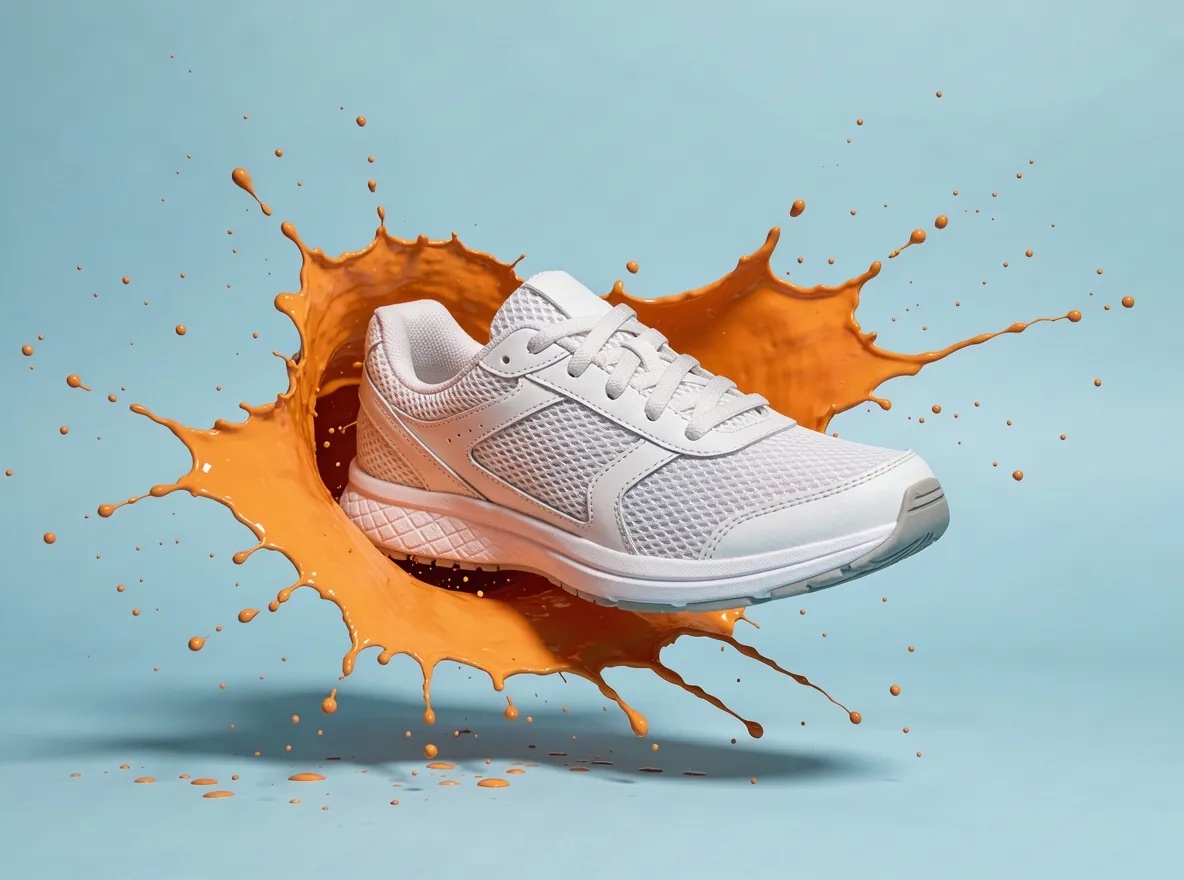
What AI object swap does
AI object swap changes one thing in a video you upload and keeps the rest of the shot: the motion, the timing, the framing and the people. Swap a product on a table for your own, give a runner new sneakers, turn a clear sky stormy, add falling snow or move the background to a city at night. Genjutsu Video runs AI object swap with FLUX.3 Edit from Black Forest Labs for text-only changes and Wan 2.7 Edit from Alibaba when you add a reference image of the new object.
People are never swapped. An object swap can change what someone wears or holds, but never their face, body or identity, and descriptions that ask to replace a person or make someone look like another real person are refused before any credits are reserved.
Two AI object swap models
FLUX.3 Edit follows a written instruction and re-renders the clip at 720p while preserving motion, timing and framing. It costs 9 credits per second of source video, 45 credits for five seconds, which makes it the cheapest way to test an idea. Wan 2.7 Edit also accepts a reference image, so the new product, outfit or object looks like the one you supply rather than one the model invents. It costs 30 credits per second, 150 credits for five seconds, at 720p.
Eight object swap presets
Presets are starting points you can use as they are or edit before generating:
The two presets that mention “my reference image” need Wan 2.7 Edit and an uploaded image of the new product or sneakers. The others work with either model.
Writing an object swap instruction
Name exactly one thing to change and say what must stay: “Replace the coffee cup with a glass of orange juice. Keep everything else in the shot unchanged.” Mention position or colour when there are several similar objects (“the red car on the left”). Changing two or three things at once works less reliably than running two steps. For weather and background changes, describe the new conditions and ask the model to keep the subject and motion unchanged.
With a reference image, use a clear product photo on a plain background, without text or logos you do not own, and refer to it as “the product in my reference image”.
What AI object swap will not do
It will not replace people, swap faces, change someone’s age or body, or make anyone resemble a real person; those requests are refused by our phrase list and identity screen, alongside Llama Guard, Waffo Prompt Sift and our violence screen. It will not add third-party brands or logos you do not have the right to use. Successful results are delivered automatically, as described in our Acceptable Use Policy.
Where object swaps help
Brands test product placement in existing footage before a reshoot, shops show one clip with several colourways, filmmakers try a different sky or season for a shot, and creators refresh old clips for a new campaign. Pair it with restyle or motion transfer in a multi-step workflow when one change is not enough.
Object swap compared with Higgsfield Genjutsu
Higgsfield’s Genjutsu also has an Object Swap mode, built on its own model and its credit plans, with longer clips and many reference images. Genjutsu Video is an independent studio, not affiliated with Higgsfield: it swaps objects, products, outfits, backgrounds and weather in 3–10 second clips, never people, with a credit quote for every clip and one-time packs.